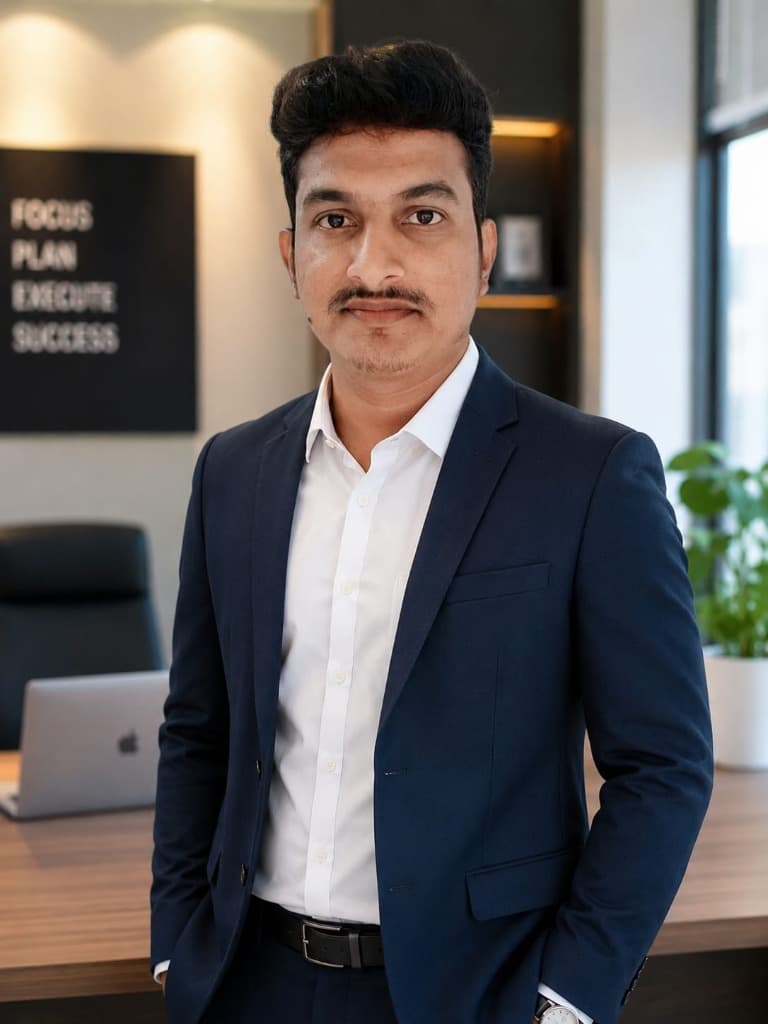
A recruiter at a Chennai IT company told me something that stuck: "When I see a resume with a selfie as the photo, or a blurry photo, or a photo where the candidate is wearing a t-shirt - I don't reject the candidate, but I already have a first impression that's hard to shake. And when I see 200 resumes in a day, that first impression determines who gets a closer look." Your application photo is silent communication. It tells the employer something about your professionalism before they read a single word you've written.
This doesn't mean you need an expensive studio photoshoot. It means you need a clean, clear, professional-looking photograph - and getting one right is simpler and cheaper than most people think.
What Makes a Good Application Photo
A professional application photo has five characteristics, and every one of them is achievable without special equipment or professional help.
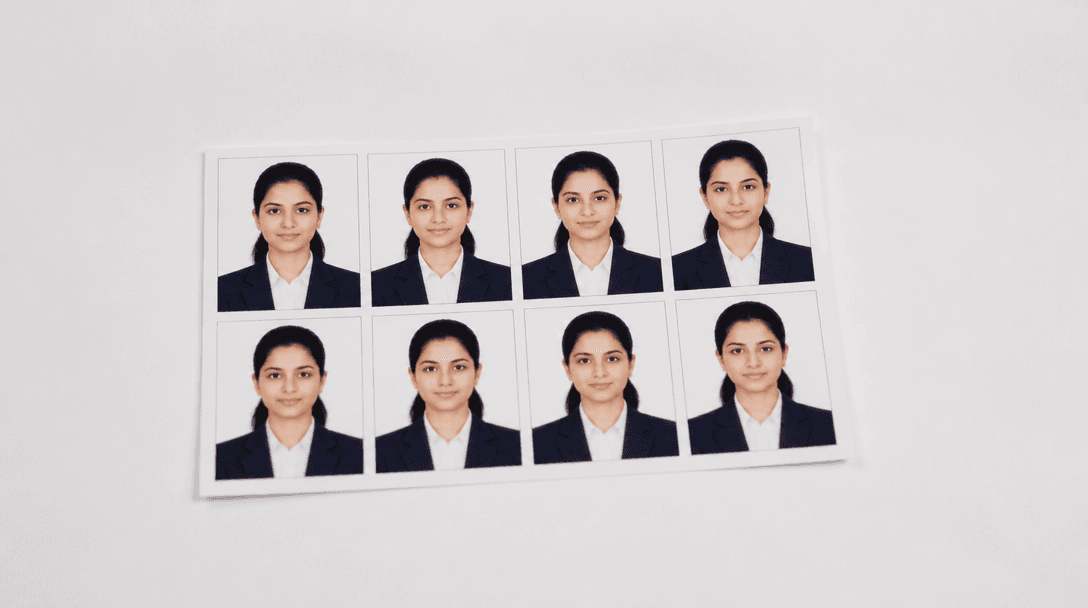
Plain white or light grey background. This is non-negotiable for application photos. Coloured backgrounds, outdoor backgrounds, and textured studio backgrounds look unprofessional on resumes and application forms. White is the standard - it's clean, it works in any format, and it meets the requirements of virtually every application portal and government form.
Head and shoulders framing. Your face should occupy about 70% of the frame, with a small margin above your head and the photo ending at mid-chest. Not too close (just your face looks aggressive), not too far (your face becomes small and indistinguishable). The standard passport photo framing works perfectly - it's designed for identification purposes, which is exactly what an application photo serves.
Direct, neutral eye contact with the camera. Look at the lens, not above it, below it, or to the side. A slight, natural smile is fine - you don't need to look stern. But avoid a big grin. The expression you want is "approachable and professional" - the same expression you'd have when meeting a new colleague for the first time.
Proper lighting. Even, natural light on your face without harsh shadows. The easiest way to achieve this: stand facing a window during daytime. The natural light from the window illuminates your face evenly. No flash needed, no special equipment. If you're at a studio, they handle this for you, but if you're taking the photo at home or at a friend's place, the window trick works every time.
Formal attire. Wear a collared shirt - solid colour, preferably white or light blue. For women, a formal top or kurti in a solid, muted colour works. The clothing doesn't need to be expensive, but it needs to be clean, ironed, and appropriate for a professional setting. Avoid logos, patterns, or colours that distract from your face.
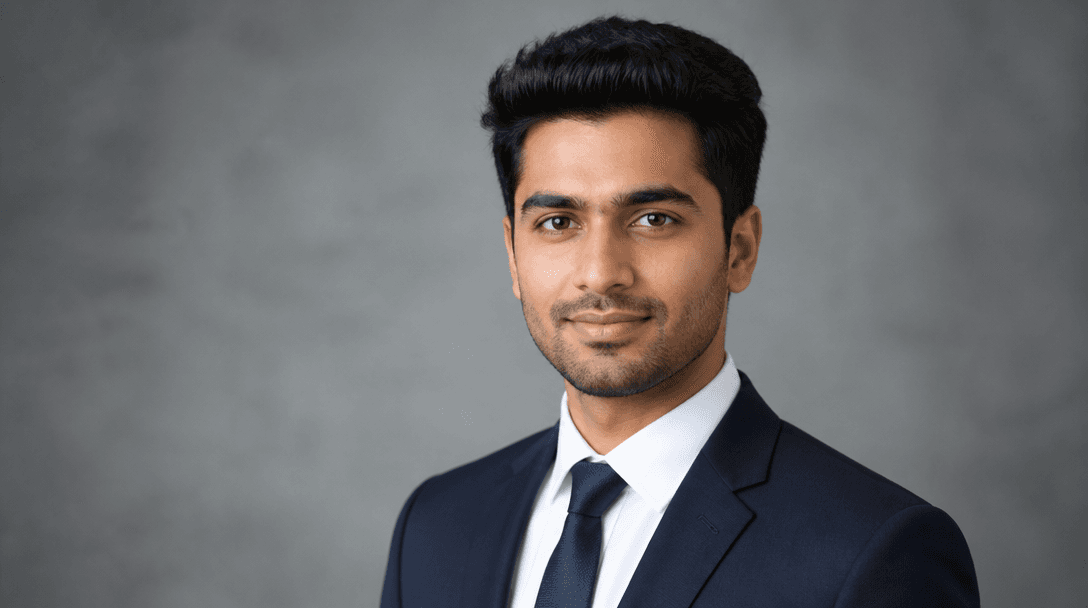
Photo studio setup for taking professional application photographs
Do You Even Need a Photo on Your Resume
This depends on the type of job and application method.
Manufacturing walk-ins: Yes. Most manufacturing companies require a photo on the application form and often paste one on your file. Carry printed passport-size photos to every walk-in.
IT company applications: Optional on the resume itself, but you'll need one for the employee ID process after hiring. If you include one on your resume, it should be professional. If you're unsure, a resume without a photo is better than a resume with a poor photo.
Government applications: Always required. Government application forms have strict photo specifications - passport size, white background, specific dimensions. Read the notification carefully for exact requirements.
LinkedIn profile: Strongly recommended. LinkedIn profiles with photos receive significantly more views from recruiters. Your LinkedIn photo can be slightly less formal than an application photo - you're still professional but the framing can be slightly wider and the expression slightly warmer.
Getting Your Photo Done Right - Without Spending ₹500
Option 1 - Local photo studio (₹50-₹150): Almost every neighbourhood in Tamil Nadu has a photo studio that takes passport photos. Walk in, tell them you need "passport size white background for a job application," and they handle everything - lighting, background, framing, printing. You'll have prints in 15-30 minutes. This is the most reliable option and the cheapest for printed photos.
Option 2 - Self-taken at home (₹0): Stand against a white wall. Have someone take your photo using a smartphone camera (rear camera, not selfie camera - the quality difference matters). Natural light from a window in front of you. Wear a formal shirt. Take 10-15 shots and choose the best one. Crop to passport-size proportions using your phone's photo editor. Print at any digital printing shop for ₹5-₹10.
Option 3 - Smartphone passport photo apps (₹0): Apps like "Passport Photo Maker" or "ID Photo" let you take a photo, automatically remove and replace the background with white, crop to exact passport dimensions, and format multiple photos on one printable sheet. Print the sheet at any photo shop for ₹10-₹20. This gives studio-quality results for nearly free.
Whichever method you use, get the photos done once and stock up. Print 30-40 copies in one go - you'll need them for months of job applications, interview walk-ins, ID card processes, and government form submissions. Having a ready stock means you never rush to get photos taken the night before an interview.
Digital Photo Requirements for Online Applications
Online applications have specific requirements that differ from printed photos. Knowing these in advance prevents upload rejections.
File format: JPEG is universally accepted. Don't use PNG, BMP, or HEIF (iPhone default format). If your phone saves in HEIF, change the camera settings to save in JPEG, or convert using a free online tool.
Dimensions: Most applications require between 200x200 pixels and 600x600 pixels. Some government portals specify exact dimensions like 3.5cm x 4.5cm at 300 DPI. Use an image resizer if your photo is larger - many free online tools and phone apps handle this.
File size: The most common limit is 200KB, but some government portals cap at 50KB or 100KB. If your photo exceeds the limit, compress it using an image compression tool. Don't just reduce the pixel dimensions - use proper compression that maintains quality while reducing file size.
Consistent across platforms: Use the same photo on your resume, LinkedIn, and all application portals. Consistency in your visual identity helps recruiters recognise your application across different platforms and creates a cohesive professional image.
Keep Your Photo Current
Update your application photo at least once a year. A photo from three years ago creates a disconnect when you walk into an interview looking noticeably different. The interviewer's first thought becomes "this doesn't look like the person in the resume" - which starts the interview with a subconscious note of inconsistency. A recent photo that accurately represents your current appearance ensures the transition from document to in-person is seamless and starts the interaction on honest ground.